


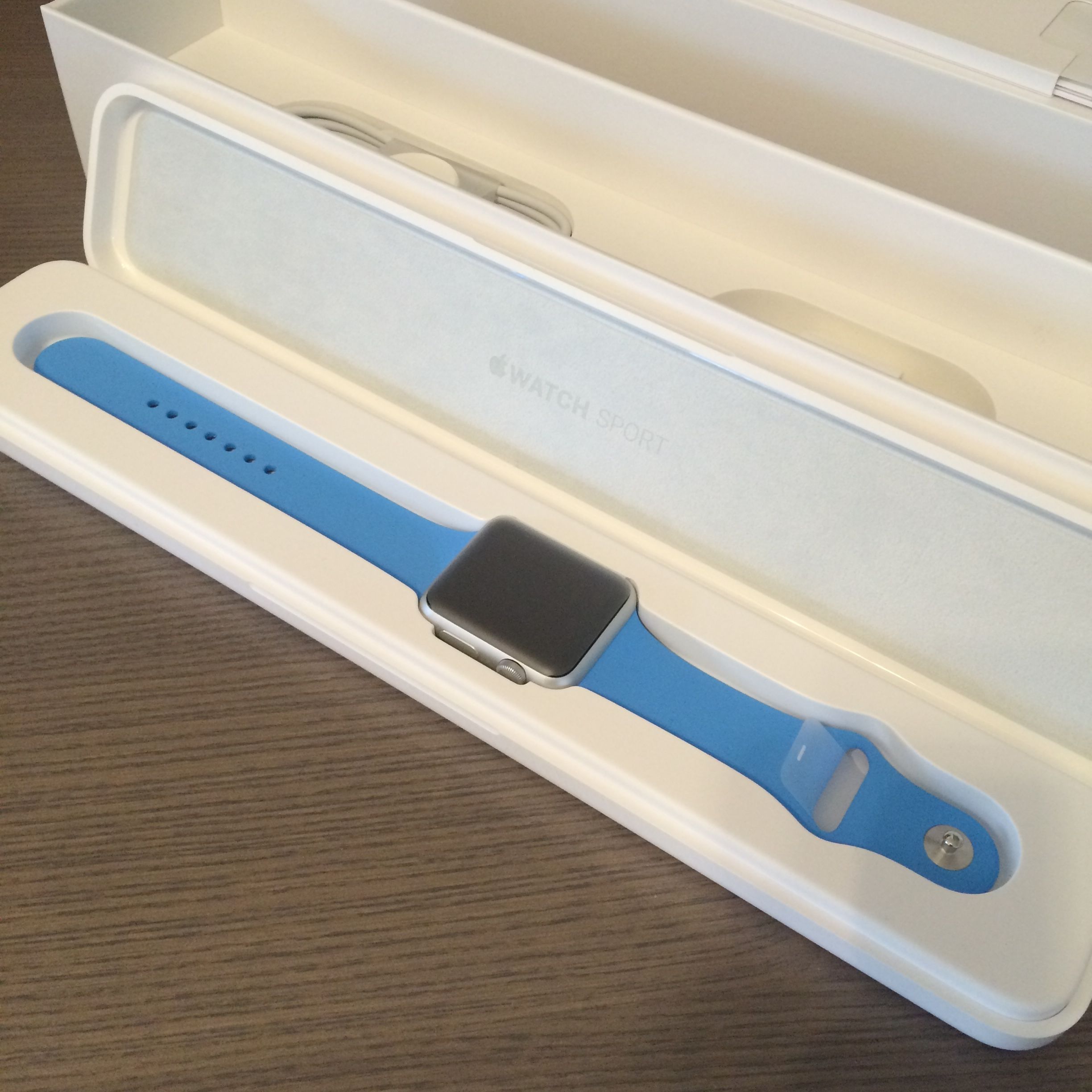
The future is here. That is how I felt a few hours into using the Apple Watch.
I have a Pebble that I wore on and off for a few months. It was a fun watch. It was nice to receive SMS directly on the watch, checking the weather. But it feel very much like an experiment. The Apple Watch is that smart watch vision executed correctly.
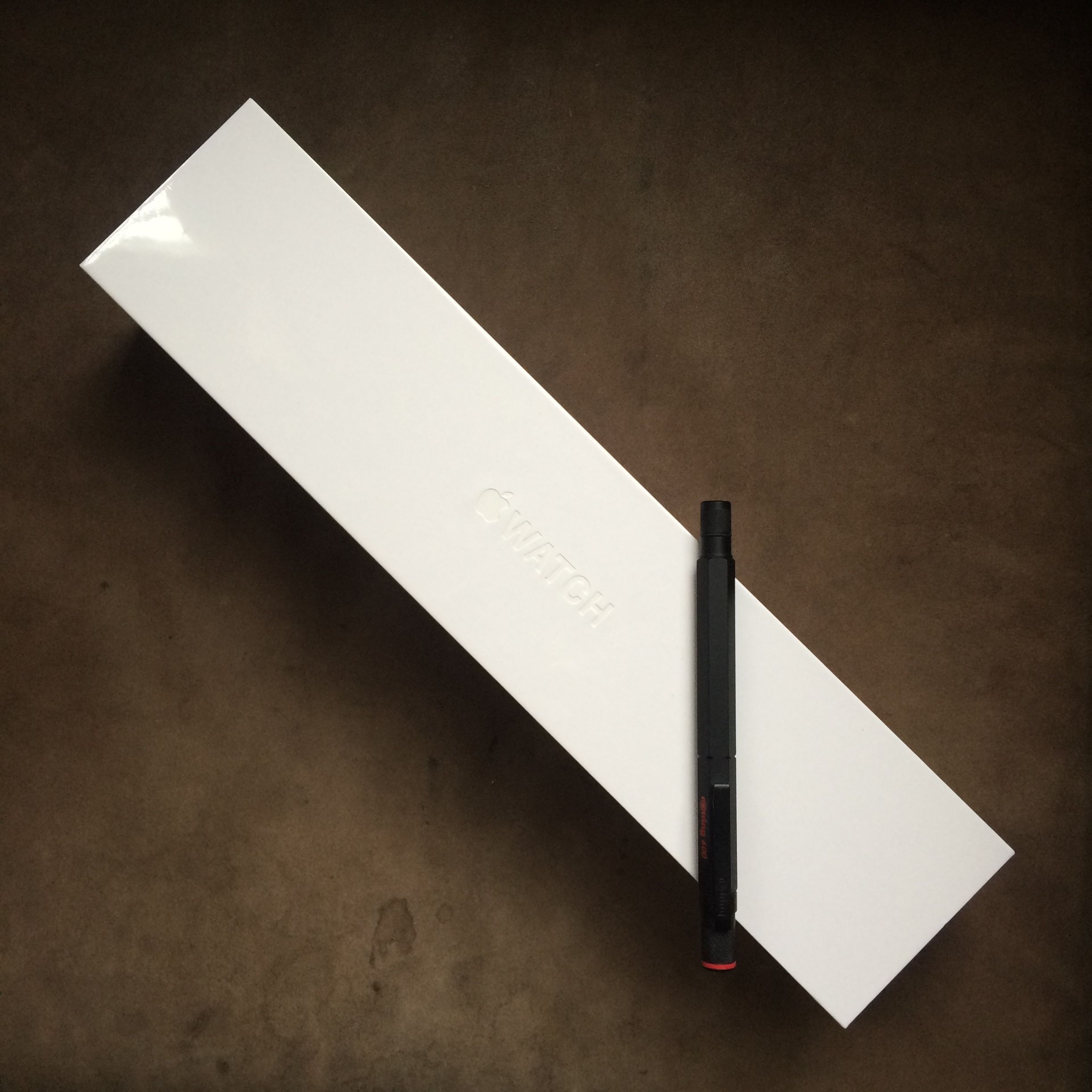
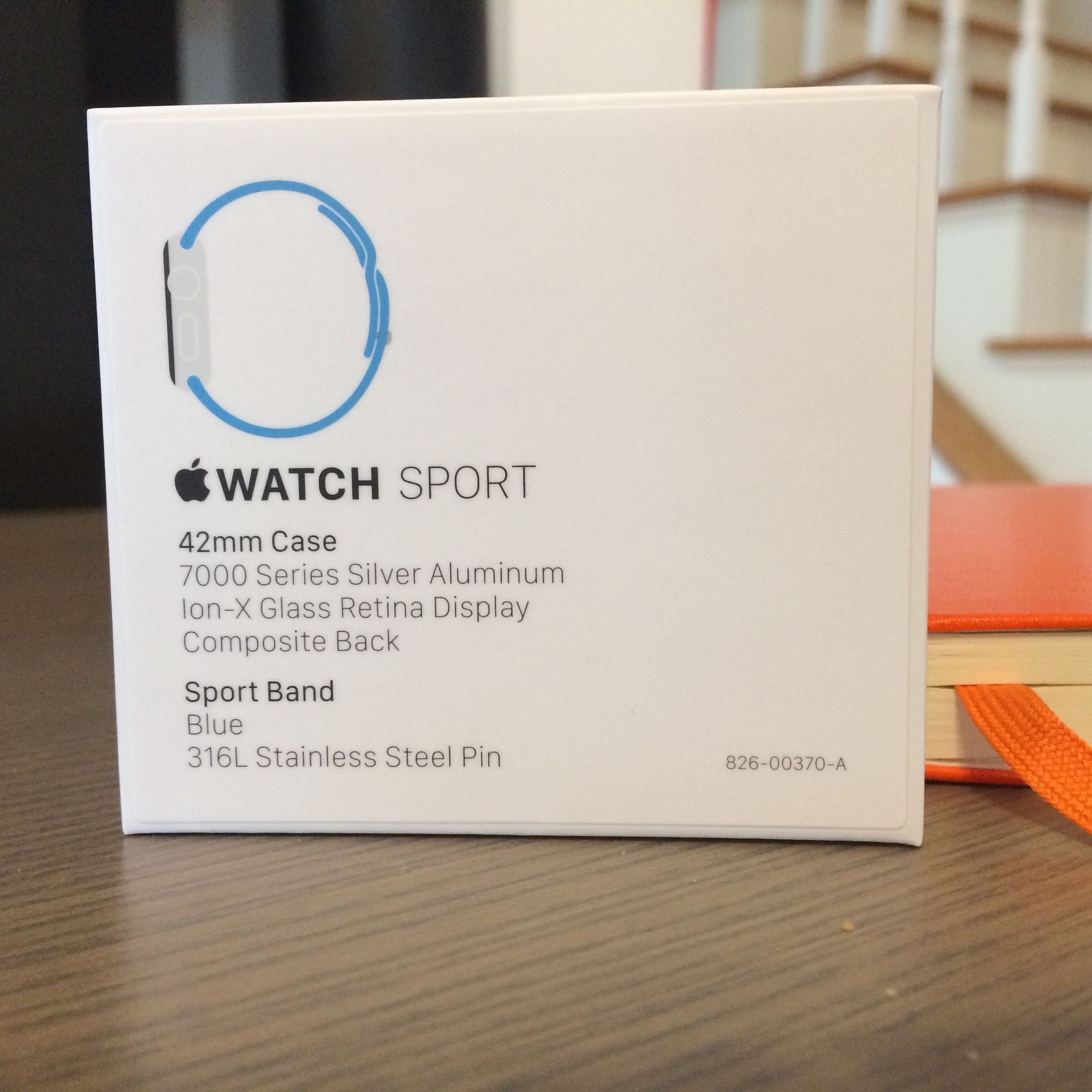
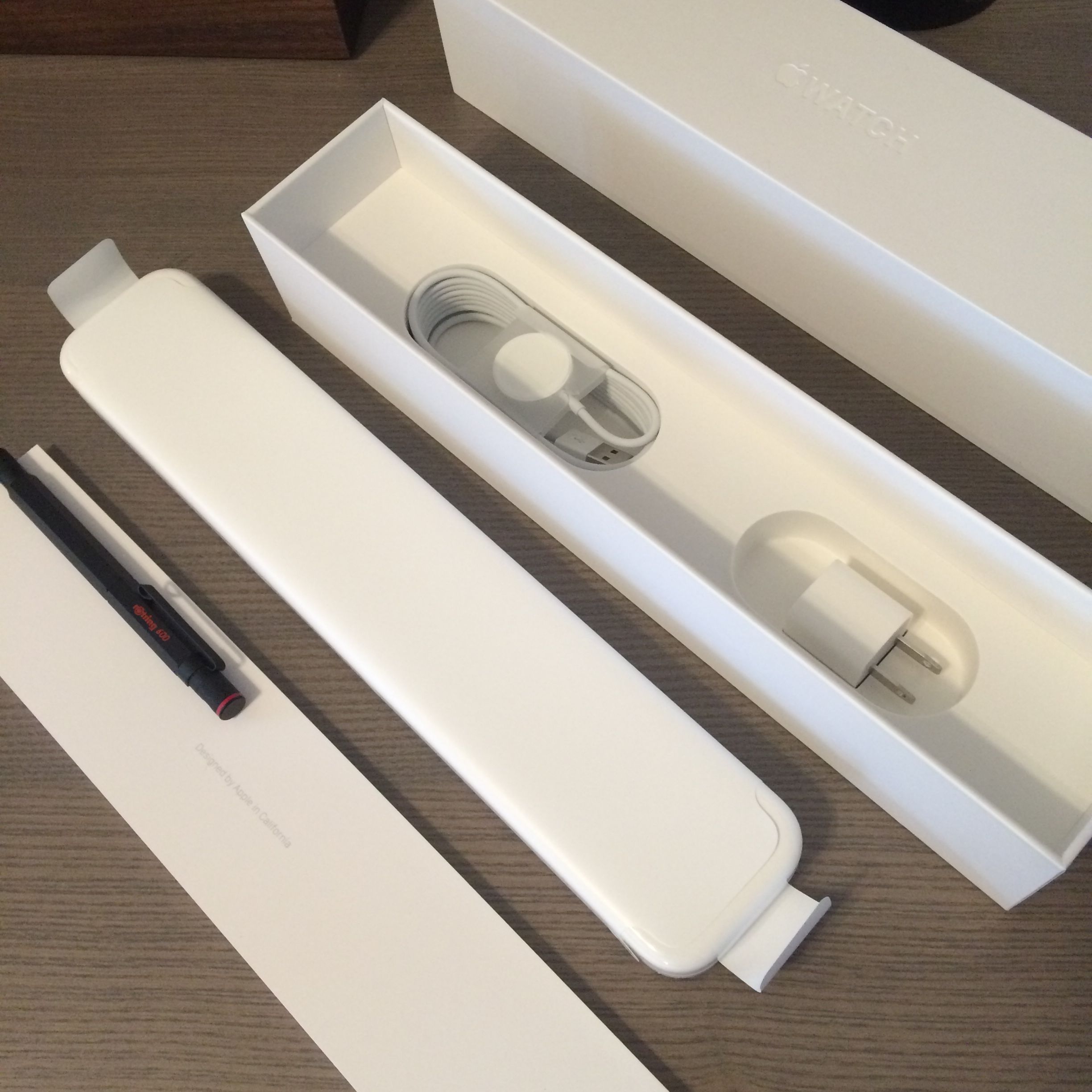
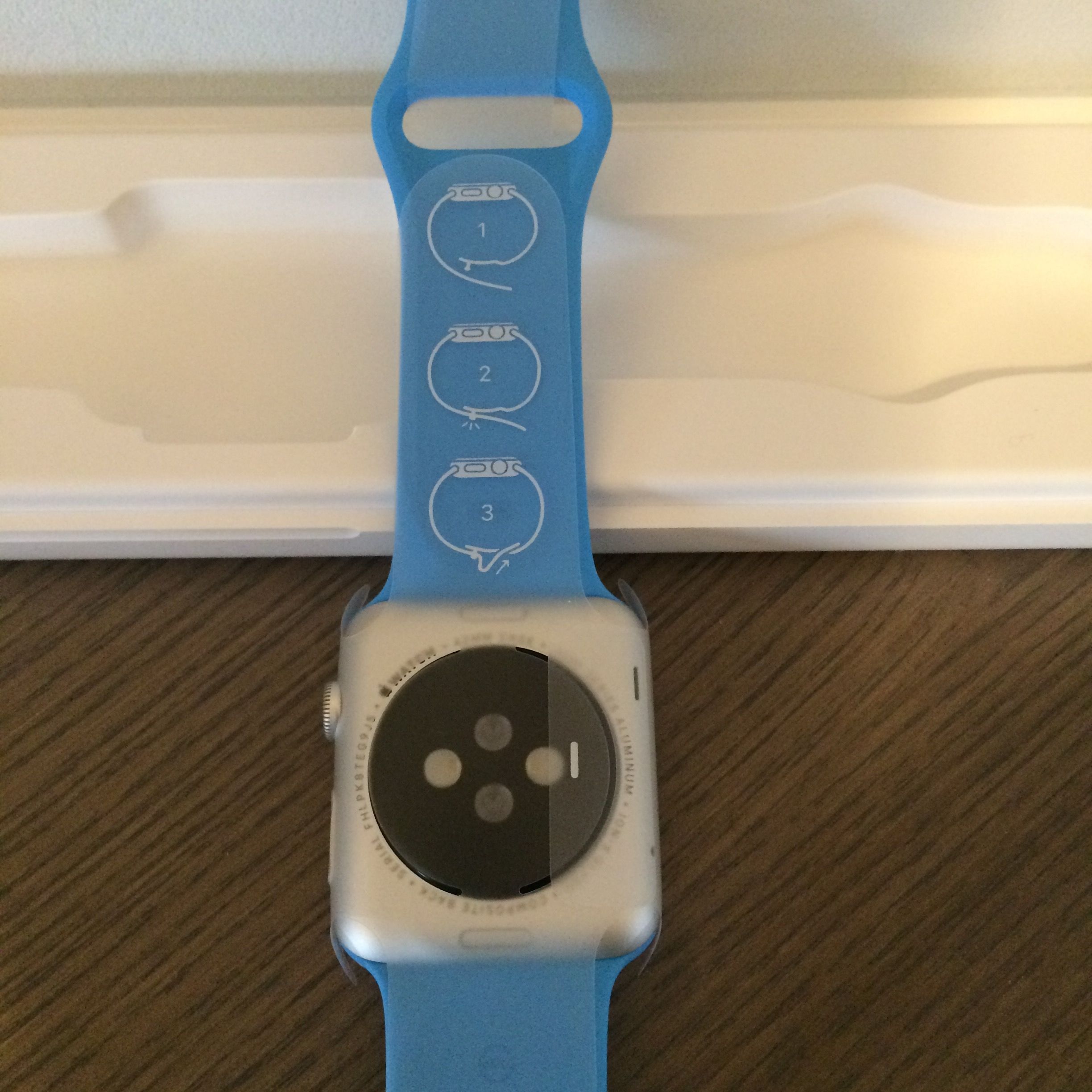
I bought the cheapest option, the Sports edition. It came in a rediculously shaped box. The plastic case is quite heavy. Together with the shape the whole package feels a bit strange. Contrasting to the packaging, the on boarding experience is wonderful. During pairing it shows a little particles animation. Then it offers the default option of installing all available matching Watch App onto the watch. It was a surprisingly long list. The App load/sync process did take quite a long time.
Some of the cool things to do with the Apple Watch on the first day:
Favorite Photos on the Watch: Setup a photo album on the iPhone. I created an iCloud album so that I can easily send the photos from iPhoto on my Mac to the album instead of using the clunky iOS photos app. These photos are synced to the watch. So you can carry your favorite family pictures and show them off.
Siri: The "hey siri" function never works well for me on the phone. By the time I take the phone out and press the home button, I might as well just start an app and type into it. However having the Apple Watch responding to voice command is much more natural. You just need to press and hold the digital crown to initiate Siri. For example, starting a timer for reminding to feed the parking meeting is totally natural now. "Start a timer for 30 minutes".
Remote Controlling Apple TV: You can pair the remote app on the Apple Watch with any Apple TV and iTunes server like pairing other iOS device. The Apple Watch will display a four digit code for you to enter into the corresponding Apple TV being controlled. It is fun to be able to select shows or pause and play Netflix and Hulu on my Apple TV on my wrist.



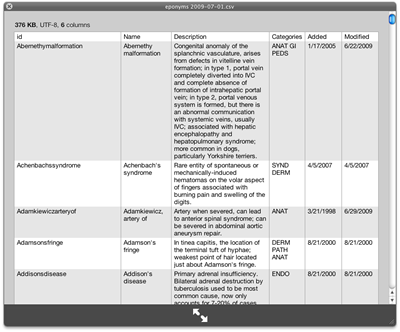 I have been using Macs for three years now. Yet I did not know you can install additional plugins for QuickLook so that you can quickly view different types of file in the finder just by pressing the spacebar ! I work with CSV files a lot and it has always been a pain having to open them in numbers or openoffice to view them. Now come (free) CSV quicklook plugins.
You can find a lot of different plugins at
I have been using Macs for three years now. Yet I did not know you can install additional plugins for QuickLook so that you can quickly view different types of file in the finder just by pressing the spacebar ! I work with CSV files a lot and it has always been a pain having to open them in numbers or openoffice to view them. Now come (free) CSV quicklook plugins.
You can find a lot of different plugins at 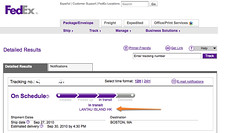 Just got my AppleTV shipping update ! Yes I ordered it hours after it was announced. Funny bit is -- it is coming from Lan Tau Island Hong Kong, and I know exactly where that is since I lived there.